Introduction
Creating professional slides manually can be time consuming you need to choose layouts, add images and make sure everything looks good something that can be stressful if you are not a designer.
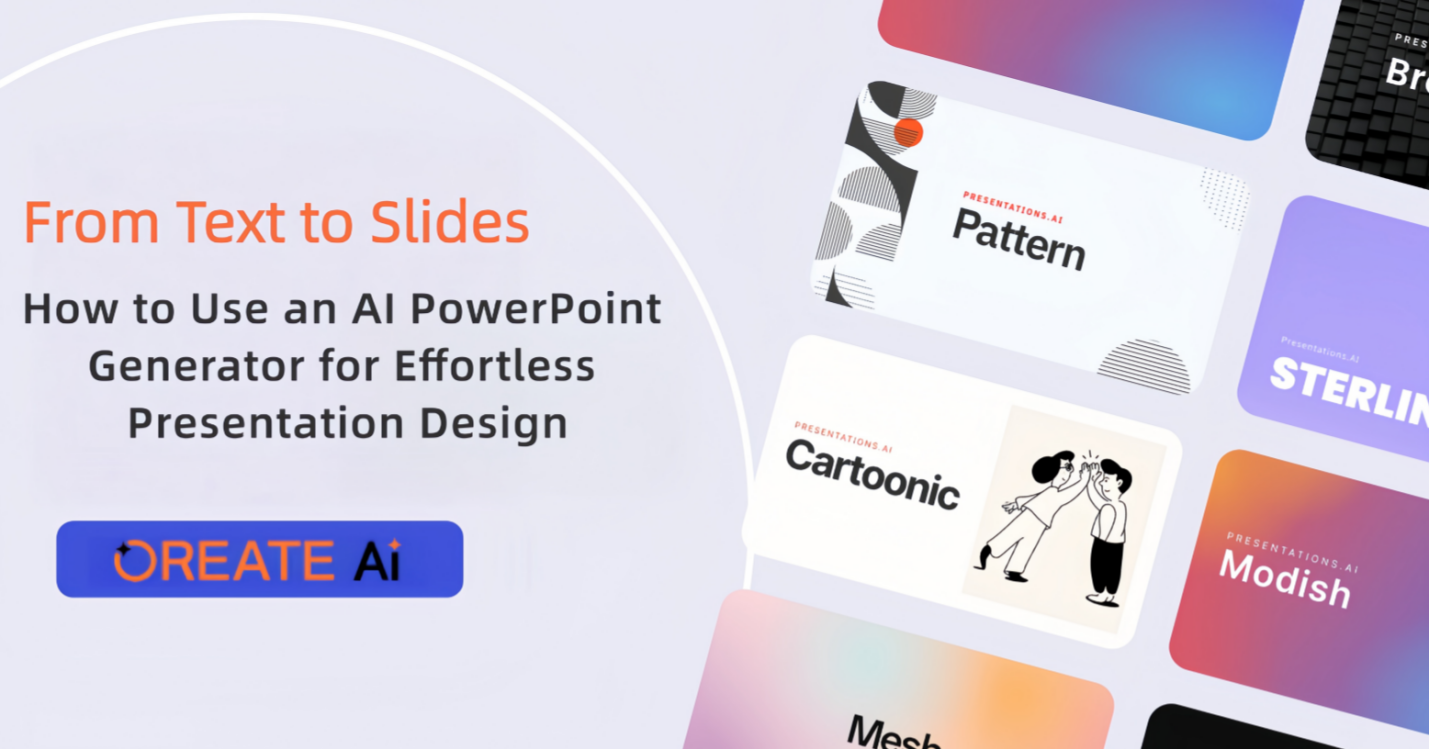
An AI PowerPoint generator like Oreate AI makes this process fast and easy it can turn your text into polished slides in minutes, making it ideal for students, teachers and business professionals or anyone who wants quick professional presentations.
With an AI PPT maker you can focus on your content while the tool handles the design, your slides will look clean, attractive and professional with just a few clicks.
Part One: Why AI PowerPoint Generators Are Game Changers
AI PowerPoint Generators are changing how we create presentations. Here is why
- Saves Time
- You don’t have to spend hours making every slide look good.
- The AI quickly converts your text into slides.
- Consistency Across Slides
- All slides will have the same style and format.
- This looks more professional than manual creation.
- Boosts Creativity
- AI suggests layouts, images and icons you might not think of.
- Even beginners can make presentations that look like they were made by a professional designer.
- Easy to Use
- No design skills are needed.
- Just enter your text and let the AI do the best.
- Accessible Anywhere
- Online tools like Oreate AI work on PC or web.
- You can create presentations at home, school or work.
Using a slides AI generator makes presentation creation very simple, fast and professional.
Part Two: Key Features of AI PowerPoint Generators
When you use an AI PowerPoint Generator you get many features that make life easier:
1. Automatic Slide Creation
- The AI converts your text, bullet points or outline into slides automatically.
- No need to manually format each slide.
2. Ready Made Templates
- Choose from multiple pre designed templates.
- Templates work for meetings, school projects or webinars
3. Smart Visual Suggestions
- The AI suggests images, charts, icons and graphs that fit your content.
- This makes slides more attractive and easier to understand.
4. Fully Customizable
- Change colors, fonts and layout to match your style.
- Keep your slides in line with your brand or personal taste.
5. Export Options
- Download slides in different formats like PPT, PDF or JPEG.
- Easy to share or present online.
Using an ai ppt maker or slides AI generator make sure that even complex presentations are easy to create and attractive
Part Three: Step-by-Step Guide Using Oreate AI
Here is a simple guide to create slides using Oreate AI:
- Login
- Open Oreate Slides AI Generator on your PC or web browser.
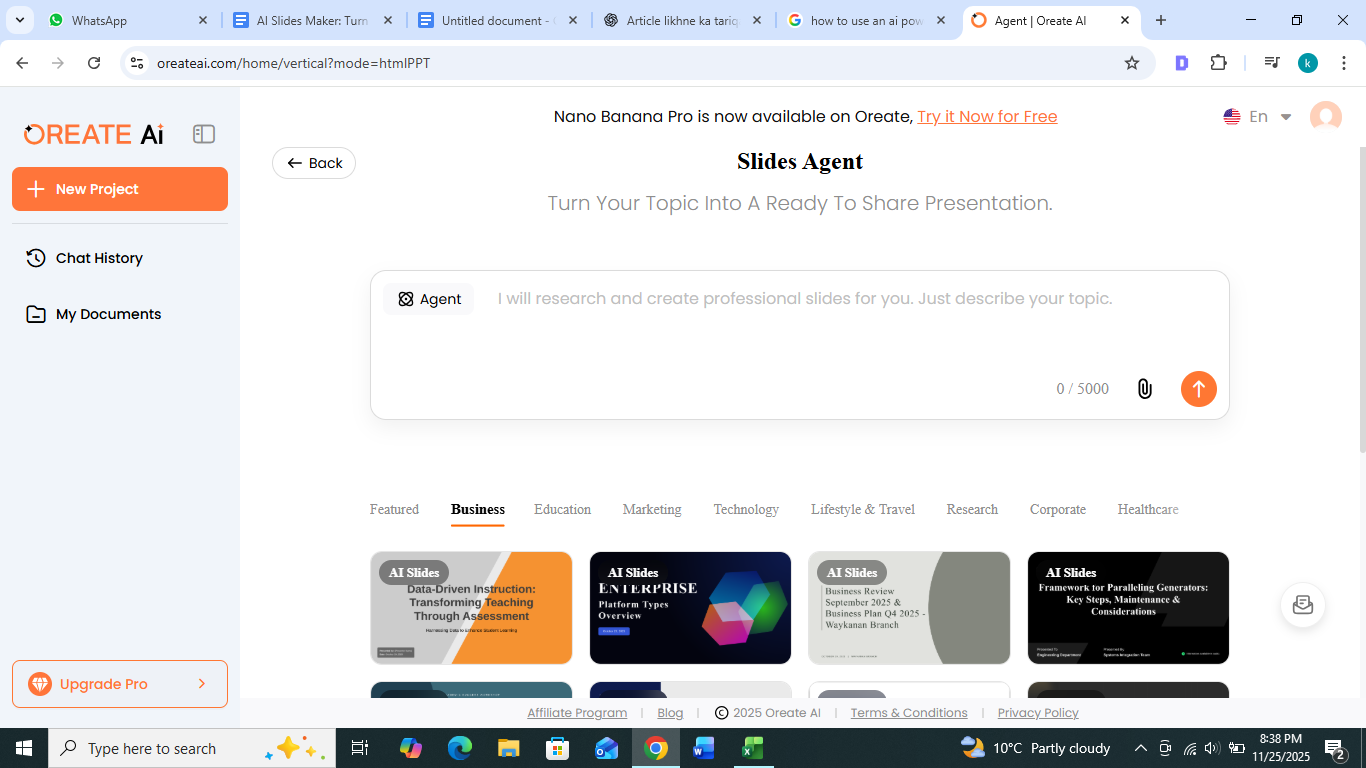
- Enter Your Content
- Type or paste your text, points or outline.
- The AI will read your text and understand the content.
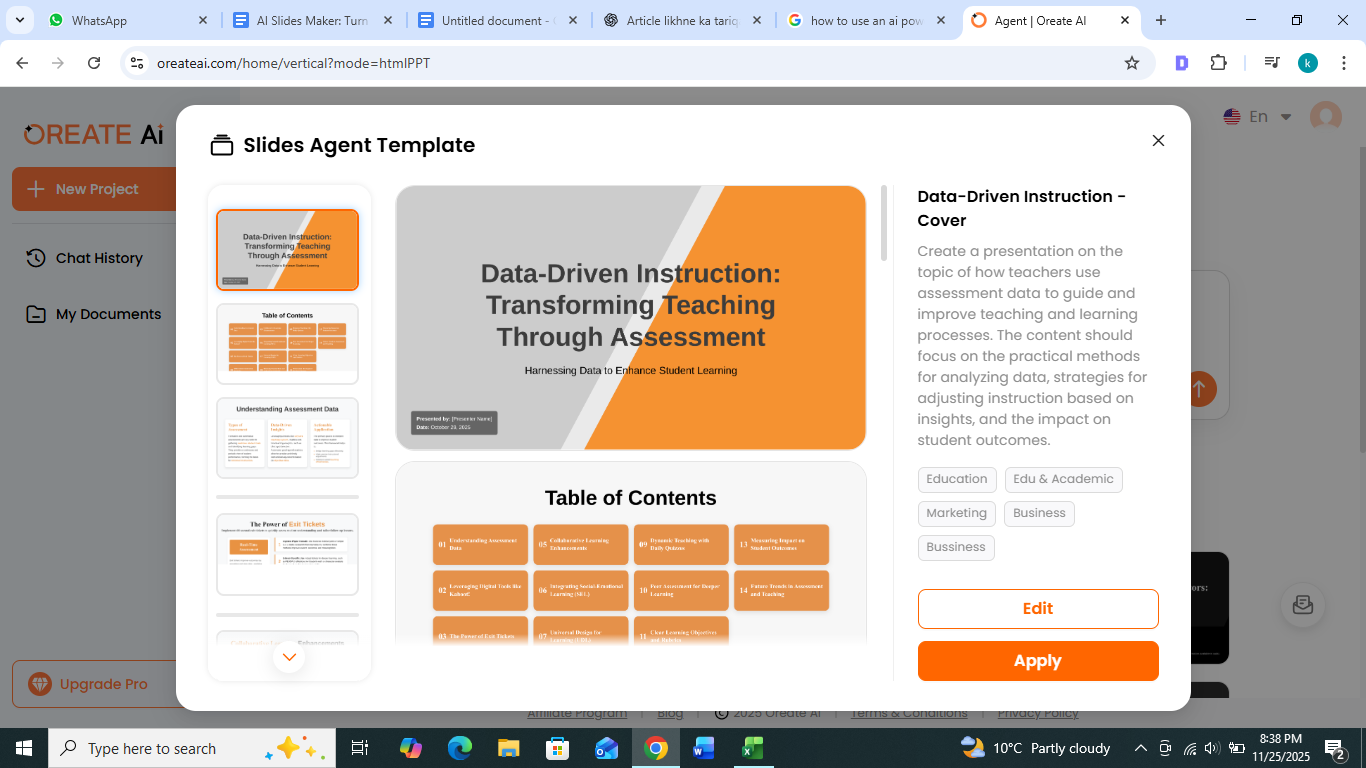
- Select a Template
- Pick a professional design from the library.
- Templates are categorized by topics like business, education or marketing.
- Generate Slides
- Click the “ Generate ” button and let the AI create your slides automatically.
- Customize Slides
- Add images, charts and icons.
- Change colors or fonts if you want to personalize your slides
- Export Your Presentation
- Download your slides in PPT, PDF, or any supported format.
- Your presentation is ready to share or present.
Even beginners can create professional slides with these easy steps.
Part Four: Tips to Make AI Generated Slides More Engaging
AI-generated slides are already good but you can make them even better:
- Use Images and Icons
- Visuals make slides easier to understand.
- Include charts or diagrams for complex data.
- Keep Text Short
- Avoid long paragraphs.
- Use bullet points to highlight important ideas.
- Highlight Key Points
- Bold important words or phrases.
- Use different colors to highlight important points.
- Consistent Design
- Stick to one or two font types.
- Keep background colors simple and attractive
- Test Readability
- Make sure text is large enough to read on all devices.
- Avoid overflowing slides with too much content.
- Add Interactive Elements
- Use few transitions and animations to engage your audience
These tips make your AI generated slides more professional, attractive and memorable.
Part Five: Extra Benefits of Using AI PowerPoint Generators
- For Students
- Quickly create slides for school or university projects.
- Focus more on research and content rather than design.
- For Professionals
- Save time preparing for meetings or client presentations.
- Deliver professional looking slides with little effort.
- For Educators
- Make engaging lectures and teaching materials.
- Use visuals to explain complex topics easily.
- For business persons
- Pitch ideas using visually appealing presentations.
- Impress investors with clear and professional slides.
An AI PowerPoint Generator is useful for anyone who wants to create high quality presentations efficiently.
Q&A
Q1: What exactly is an AI PowerPoint Generator?
An AI PowerPoint Generator is a tool that turns your written text into complete presentation slides automatically. It designs layouts, chooses visuals, and formats your content to create professional-looking slides with minimal effort.
Q2: Who can benefit from using an AI PPT maker?
Students, teachers, business professionals, marketers, and anyone who wants to create polished presentations quickly can benefit from AI slide tools.
Q3: How does an AI generator turn text into slides?
The AI analyzes your text, identifies key points, and organizes them into structured slides with suitable layouts and visuals.
Q4: Can I customize the slides after AI generates them?
Yes. You can change fonts, colors, images, layouts, and add additional elements to match your personal or brand style.
Q5: What features does an AI PowerPoint Generator like Oreate AI offer?
It includes automatic slide creation, ready-made templates, visual suggestions, customizable design options, and multiple export formats.
Q6: Can I export my AI-generated presentation as a PPT file?
Absolutely. Tools like Oreate AI allow export in PPT, PDF, JPG, and other common presentation formats.
Q7: How can I make AI-generated slides more engaging?
Use high-quality visuals, limit text, highlight key points, maintain consistent design, and test readability across devices.
Conclusion
An AI PowerPoint Generator like Oreate AI makes creating professional slides effortless. It saves time, improves slide quality and allows anyone to create engaging presentations without design skills.
Using Oreate AI, the all-in-one content generation tool, you can turn ideas into amazing projects quickly Whether for school, work or business, AI powered presentation tools are a game changer.