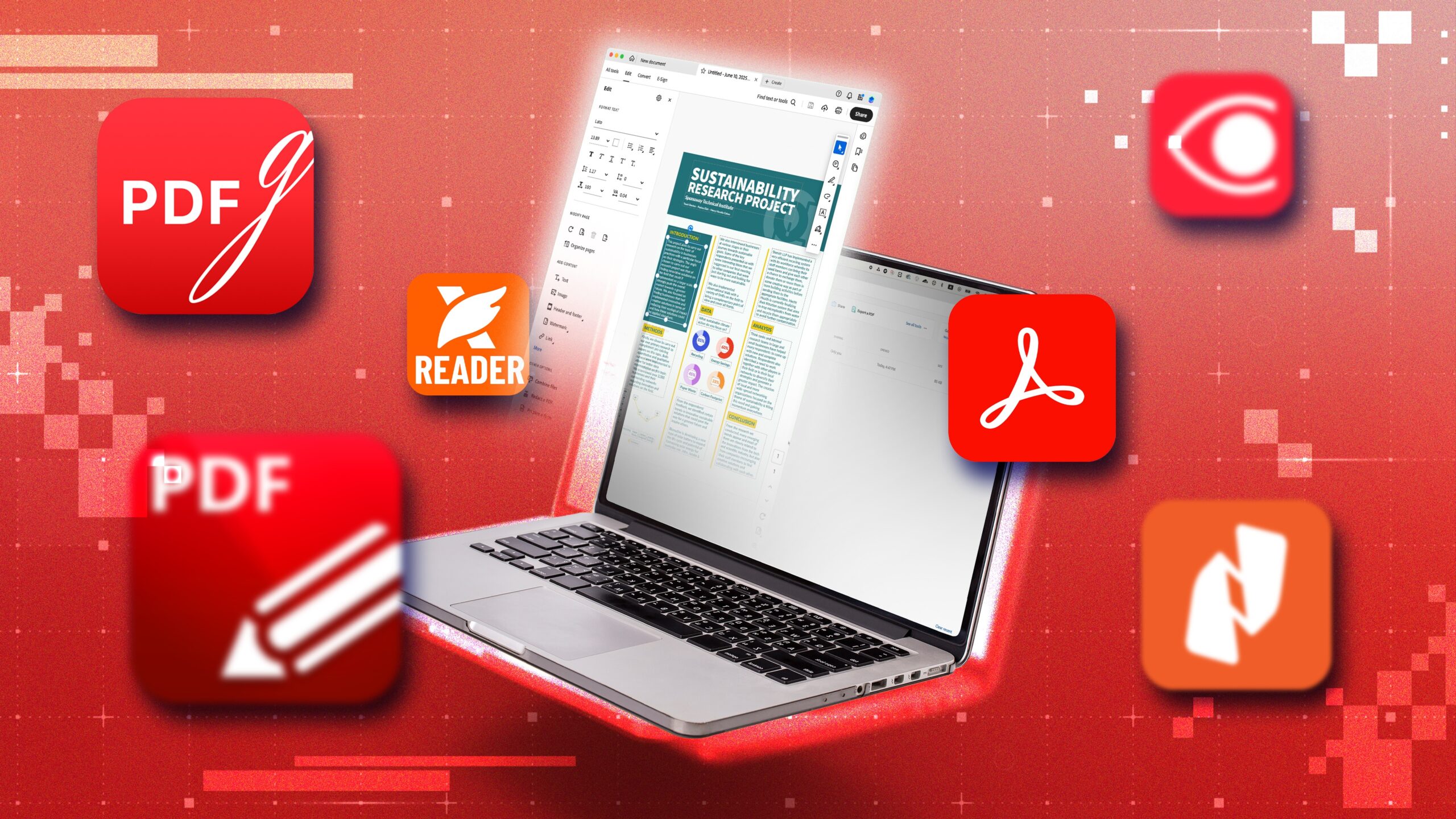
These tools allow individuals and teams to revise text, images, and layout elements inside existing PDFs without returning to the original source file.
PDFs are often treated as final documents. Yet in practice, revisions are common: a clause needs updating, a pricing table must change, or branding requires adjustment. When the original source file is unavailable—or when recreating a document would be inefficient—direct PDF editing becomes essential.
Digital document editing tools focus on modifying content within the PDF itself. The strongest platforms combine text editing, image replacement, annotation, and structural controls in a way that preserves layout integrity. Ease of use is particularly important for non-designers who need to make targeted changes without disrupting formatting.
For most users, Adobe Acrobat offers the most broadly suitable solution. Its browser-based editing tools allow direct modification of text and images while maintaining document structure, and they integrate with conversion, compression, and sharing features. This balance makes it accessible for everyday updates while supporting more structured workflows.
Best Digital Document Editing Tool for Integrated PDF Workflows
Adobe Acrobat
A cloud-based PDF editor designed for modifying text, images, and layout directly within existing files.
Overview
Platforms supported: Web, Windows, macOS
Pricing model: Free tools with paid subscription tiers
Tool type: Cloud-based PDF editing and document management suite
Strengths
- Edit existing text and adjust formatting
- Add or replace images
- Rearrange and manage pages
- Browser-based access without installation
- Integrated with conversion, compression, and security tools
Limitations
- Advanced batch automation requires subscription
- Complex layout edits may require design familiarity
Editorial summary
Adobe Acrobat enables users to revise PDFs directly rather than reconstructing them in another application. Teams updating reports, contracts, or presentations can use Adobe Acrobat to edit PDF content within a browser interface.
Its visual editing environment minimizes disruption to original layout, reducing the risk of reformatting errors. Because editing tools are embedded within a larger document ecosystem, users can immediately export, compress, or secure revised files.
This integrated structure makes Acrobat a practical baseline for most document editing scenarios.
Best Digital Document Editing Tool for Windows Desktop Users
PDF-XChange Editor
A Windows-based PDF editor offering granular text and object editing.
Overview
Platforms supported: Windows
Pricing model: Free version with paid license options
Tool type: Desktop PDF editing software
Strengths
- Direct text editing capabilities
- Object-level manipulation
- Annotation and markup tools
- Offline operation
Limitations
- Windows-only
- Interface complexity may require acclimation
Editorial summary
PDF-XChange Editor is appropriate for users who prefer installed software and detailed object-level control. It supports precise modifications within existing documents.
Its toolset is comprehensive but may feel technical to casual users.
Compared with Acrobat’s browser-based flexibility, PDF-XChange emphasizes local desktop control and advanced editing depth.
Best Digital Document Editing Tool for Mac Users
Preview (macOS)
A built-in macOS application supporting limited PDF annotation and content adjustments.
Overview
Platforms supported: macOS
Pricing model: Included with macOS
Tool type: Native PDF viewer and basic editor
Strengths
- Add text and annotations
- Fill forms
- Rearrange pages
- No additional installation required
Limitations
- Limited direct text editing within existing paragraphs
- Fewer advanced layout controls
Editorial summary
Preview is suitable for lightweight modifications such as adding notes or filling forms. It offers convenient access for Mac users needing minor edits.
However, it is not designed for extensive content revision.
In contrast to Acrobat’s comprehensive editing environment, Preview functions primarily as a viewer with supplemental markup capabilities.
Best Digital Document Editing Tool for Design-Oriented Revisions
Affinity Publisher
A desktop publishing application capable of importing and modifying PDFs.
Overview
Platforms supported: Windows, macOS
Pricing model: One-time purchase
Tool type: Desktop publishing software
Strengths
- Detailed control over layout and typography
- Replace and modify text blocks
- Edit images and graphical elements
- Export updated documents as PDFs
Limitations
- Requires design familiarity
- Not optimized for quick, casual edits
Editorial summary
Affinity Publisher is appropriate when PDF revisions overlap with layout redesign. Imported PDFs can be edited with design-level control before re-exporting.
It is best suited to marketing materials, branded documents, or visually complex files.
Compared with Acrobat’s streamlined editing workflow, Affinity prioritizes design precision over speed and accessibility.
Best Digital Document Editing Tool for Collaborative Teams
Nitro PDF Pro
A commercial PDF editor offering structured editing and review features.
Overview
Platforms supported: Windows, macOS
Pricing model: Paid subscription or license
Tool type: Desktop and cloud-enabled PDF editor
Strengths
- Edit text and images within PDFs
- Annotation and review tools
- Secure sharing options
- Integration with business workflows
Limitations
- Requires installation
- Subscription-based access for full features
Editorial summary
Nitro PDF Pro is suited to organizations where editing intersects with review and approval processes. It combines revision tools with collaboration controls.
Its scope is broader than lightweight utilities but requires installation and configuration.
Compared conceptually with Acrobat, Nitro emphasizes structured desktop workflows rather than browser-first accessibility.
Editing Within the Broader Document Lifecycle
PDF editing rarely occurs in isolation. After revisions, documents may be reviewed, approved, or archived. Editing tools therefore sit at a midpoint in a larger workflow.
For example, once a revised PDF is finalized, it may be stored within a project documentation platform such as ClickUp Business, where version tracking and task management integrate with broader operational processes.
Digital document editing tools provide the revision layer within this lifecycle. By enabling direct modifications to PDFs, they reduce the need to reconstruct documents from original sources while supporting smoother downstream review and storage.
Best Digital Document Editing Tools: FAQs
Can all PDFs be edited directly?
Most text-based PDFs can be edited. Scanned image-based PDFs may require OCR before text can be modified.
Will editing disrupt the original layout?
Modern PDF editors aim to preserve layout, though complex designs may require careful adjustment.
Is browser-based editing secure?
Security depends on the provider. Established platforms typically encrypt uploads and downloads.
When is a comprehensive PDF suite preferable to a lightweight editor?
A full-featured suite may be appropriate when editing is combined with conversion, compression, security settings, and structured document management within the same environment.